Recorded at a home desk
Air purifier · Fridge hum
Works with every app that lets you pick a micyour apps
- Zoom
- Google Meet
- Microsoft Teams
- Discord
- Slack
- Webex
- Jitsi Meet
- OBS Studio
- Streamlabs
- Audacity
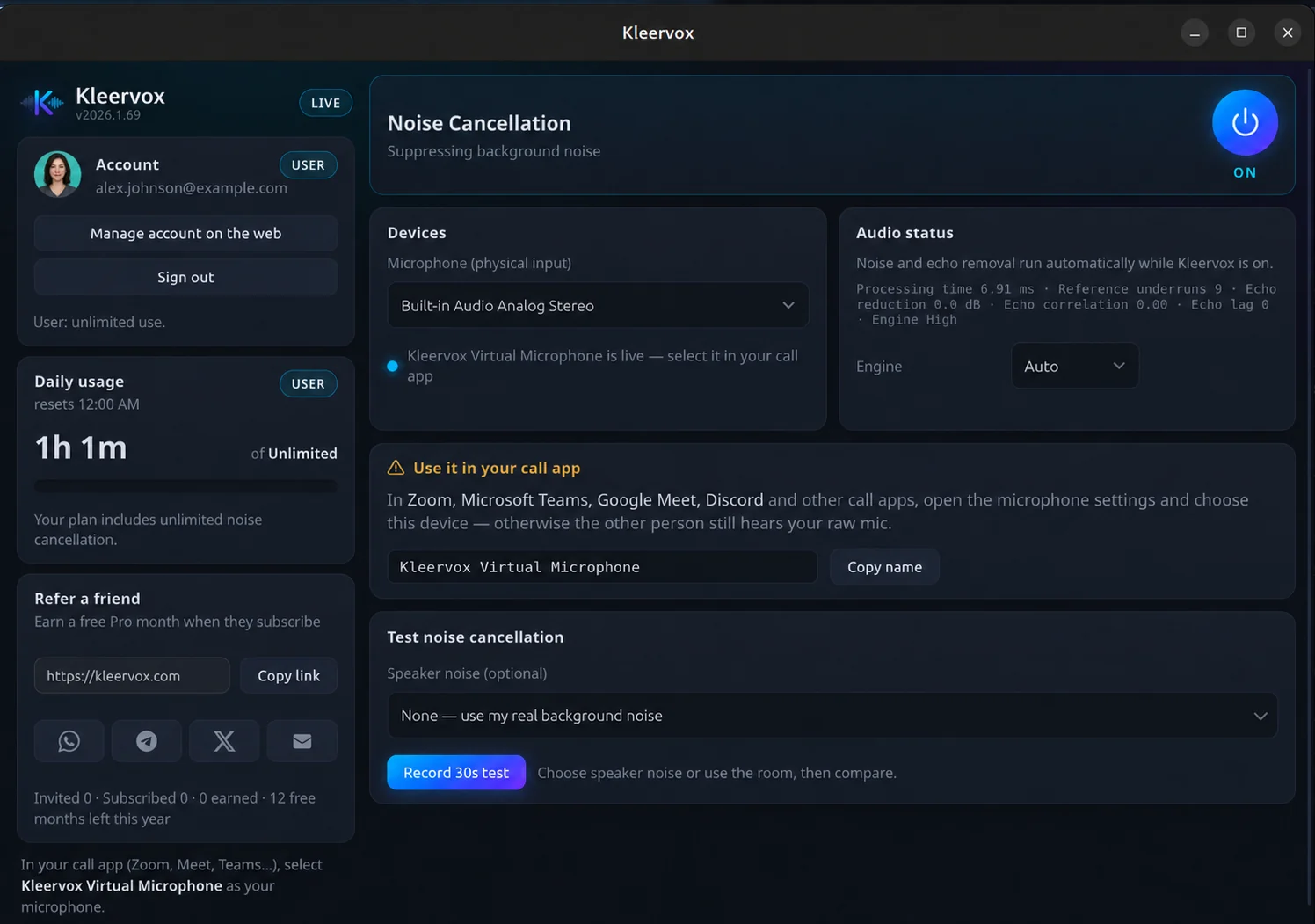
Live on every call. Or after you record.
Noise cancellation for every call app
A virtual microphone for Zoom, Meet, Teams, Discord and more. Noise and echo are removed on your computer as you speak.
- Real-time noise and echo cancellation
- Works in any app that lets you pick a mic
- Windows & Linux — macOS coming soon
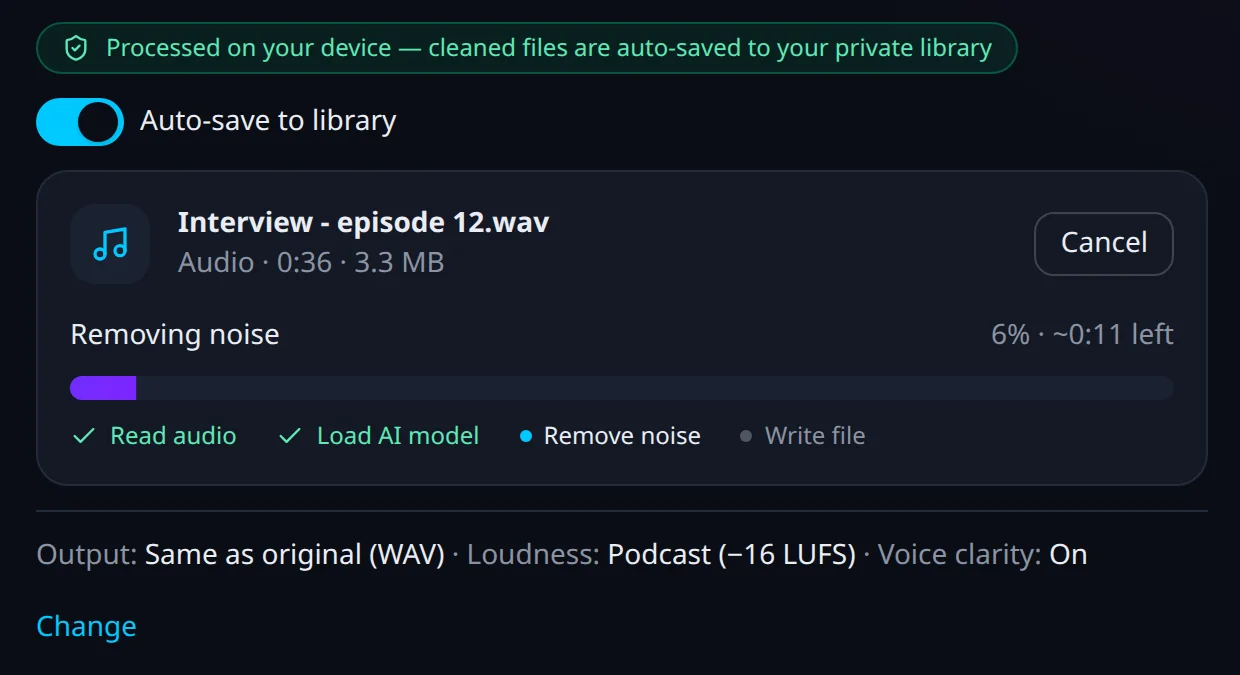
Remove background noise from audio and video files
Podcasts, interviews, lectures and videos. Drop a file in and download a clean one — it is not uploaded for cleaning. Try it free for 7 days.
- MP3, WAV, M4A, FLAC, OGG and more
- MP4, MOV, WebM, MKV — the picture stays untouched
- Podcast, YouTube or broadcast loudness
Three steps. Then just talk.
- Step 1
Download & sign in
Install the desktop app on Windows or Linux. It takes about a minute.
- Step 2
Select Kleervox Microphone
Choose it once as the microphone in Zoom, Meet, Teams or any call app.
- Step 3
Just talk
Noise and echo are removed as you speak. Nothing to tweak.
Built for clear conversations.
See all featuresNeural noise cancellation
Keyboards, traffic, fans and chatter gone — your voice stays natural.
Echo cancellation
Your speakers leaking into the mic? The other side never hears it.
100% private, on-device
Your audio is never uploaded. It even works offline.
Windows & Linux
Native desktop apps, with macOS coming soon.
How does Kleervox remove background noise?
Kleervox sits between your real microphone and your call app. A neural network trained to isolate human speech strips out background noise in real time, and the cleaned audio is exposed as a virtual "Kleervox" microphone that you select in Zoom, Meet, Teams, or any other app.
Is my audio uploaded to the cloud?
No. Noise and echo cancellation run entirely on your device — your voice never leaves your computer. Recorded files are cleaned inside your browser, on your computer, too. There is no cloud processing and no one listening; a file is stored only if you choose to save it to your private library.
Which apps does it work with?
Any app that lets you choose a microphone: Zoom, Google Meet, Microsoft Teams, Discord, Slack, OBS, and everything else. Kleervox appears as a regular microphone, so there are no plugins or per-app setup.
Can I try Kleervox for free?
Yes. Start a 7-day free trial of Pro (or Creator): 7 days free, then $6/month. Cancel anytime. You add a card to start the trial, nothing is charged during it, and we email you a day before the first charge — cancel any time before then and you pay nothing. You can also hear the before-and-after demo on this page, or test it with your own microphone on the browser test page — no account needed. The Free plan is kept for existing members only.
Can it clean recordings I have already made?
Yes. File Cleanup removes background noise from recorded audio and video files — podcasts, interviews, lectures, MP3, WAV, MP4, MOV and more — right in your browser, without uploading the file for cleaning. It is included in every plan — 2 hours a month on Pro and 25 hours on Creator — and you can try either free for 7 days.
What do I need to run it?
A Windows 10, Windows 11, or Linux computer and any microphone — built-in laptop mics work great. The macOS app is coming soon. Download it, sign in, and you are cleaning calls in under a minute.
Leave the background noise in the background.
7 days free, then $6/month. Cancel anytime. Set up in minutes, and keep every word on your own device.